 Retire Plan
the paycheck
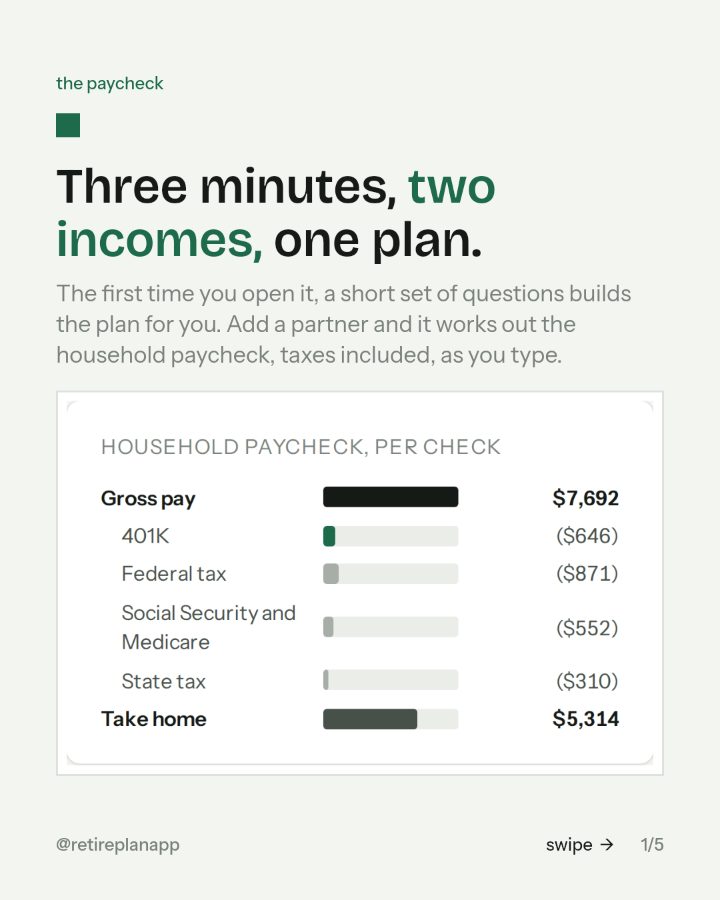
Three minutes, two incomes, one plan.
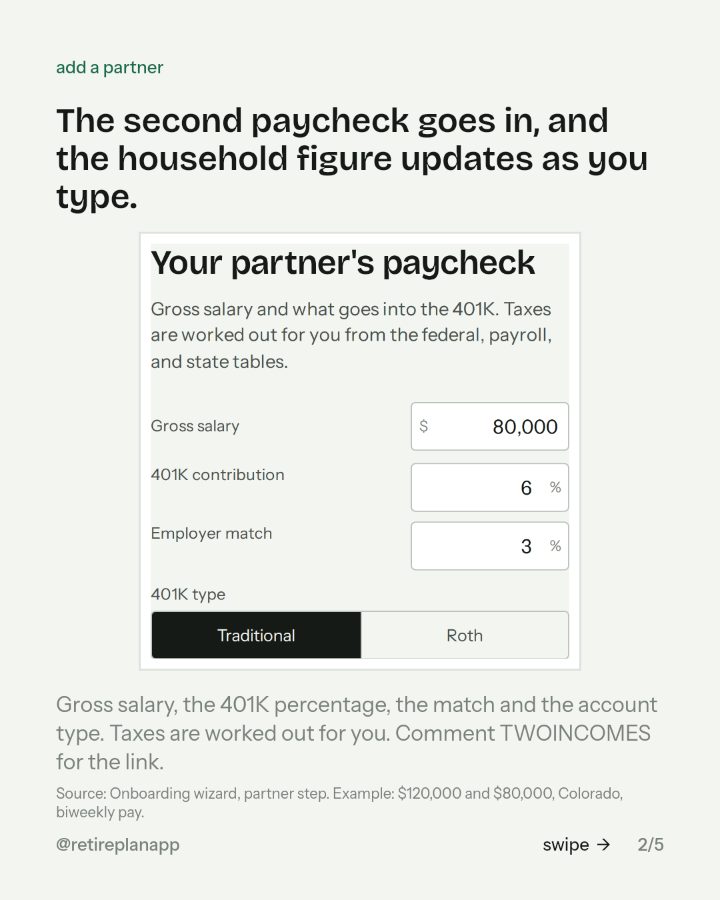
The first time you open it, a short set of questions builds the plan for you. Add a partner and it works out the household paycheck, taxes included, as you type.
You asked for the link. It is below: the slides from the post, the move if there is one, and the planner the chart came from.
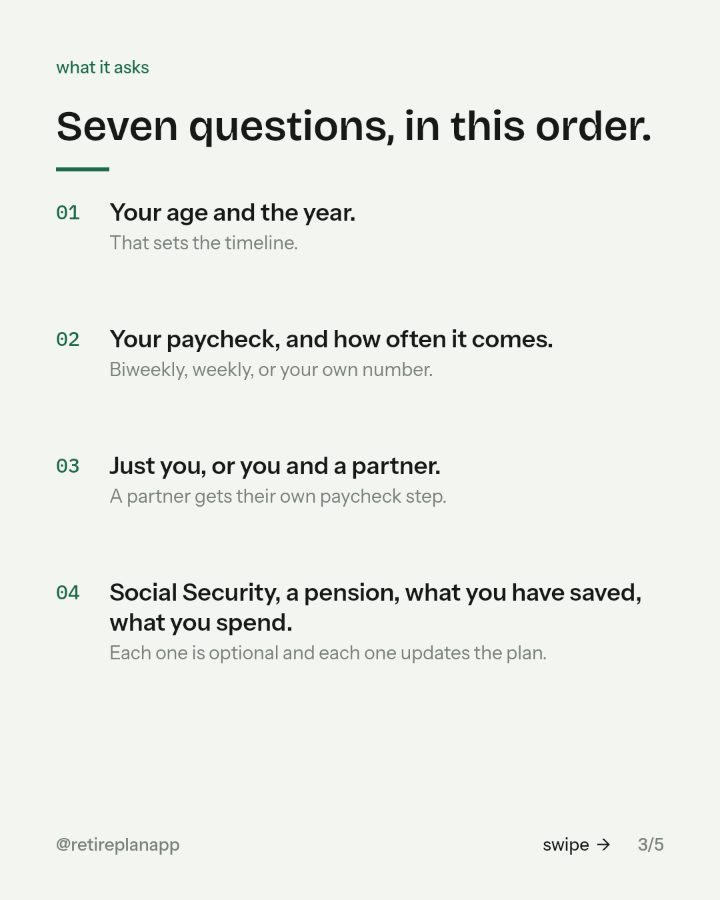

Seven questions, in this order.
- 01Your age and the year.That sets the timeline.
- 02Your paycheck, and how often it comes.Biweekly, weekly, or your own number.
- 03Just you, or you and a partner.A partner gets their own paycheck step.
- 04Social Security, a pension, what you have saved, what you spend.Each one is optional and each one updates the plan.
Where to go next
Retire Plan
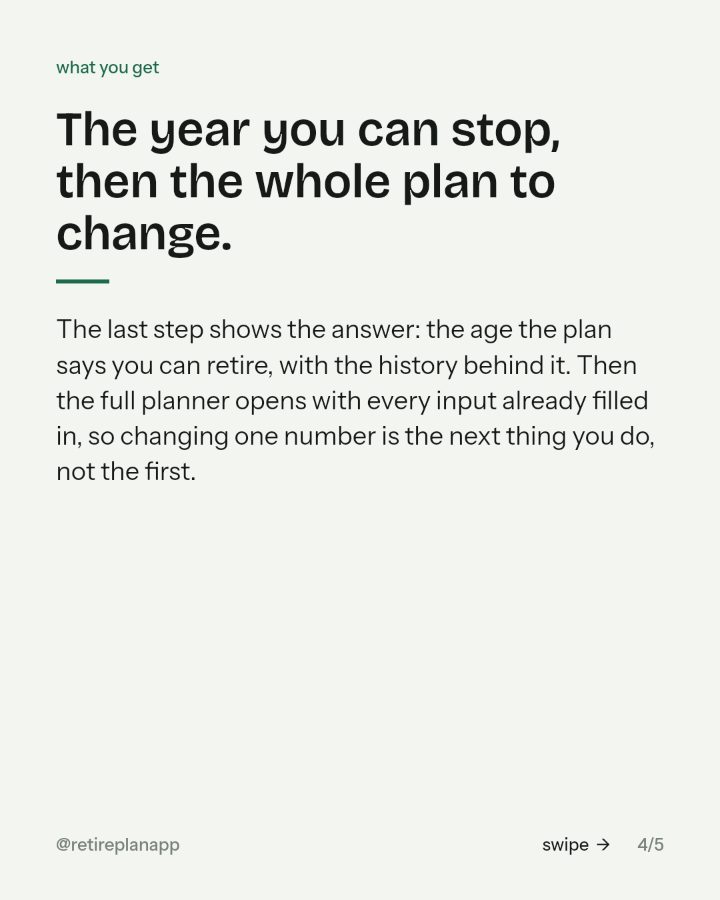
Type in one paycheck and it runs your plan through every year of market history since 1871, with the taxes worked out. About three minutes, in the browser.
Open itSources: Onboarding wizard, partner step. Example: $120,000 and $80,000, Colorado, biweekly pay..